
One thing that has been painful is packaging something as a Intunewin application only for it to install information in a 32 bit registry. The simple solution to this issue is adding a Powershell script to switch to 64 bit.
As an example, installing the Configuration Manager client. 
Start-Process -FilePath “$ENV:WINDIR\SysNative\WindowsPowershell\v1.0\PowerShell.exe” -ArgumentList “-File "$PSScriptRoot\Install_MEMCM.ps1” ” -Wait -NoNewWindow
This calls another script that does the install, but in 64 bit PowerShell.
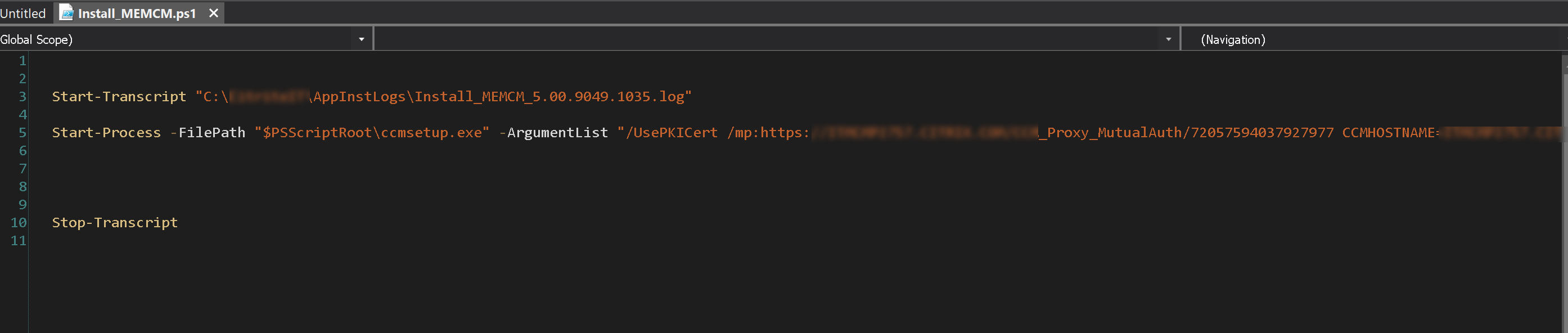
The transcript is added for the purpose of a detection rule if needed. For Configuration Manager you should be able to use the file name and version though.
 Endpoint Info
Leave a comment